In today’s fast-paced digital world, productivity is no longer optional it’s essential. Whether you’re a student juggling assignments, a remote worker managing multiple clients, or a professional trying to stay on top of endless meetings, one thing is clear: time is your most valuable asset.
Fortunately, with the right set of free productivity apps, you can streamline your tasks, minimize distractions, and save hours every single week. What’s even better is that these tools don’t require any investmen they’re completely free yet powerful enough to rival premium solutions.
In this ultimate 2025 guide, we’ll explore seven carefully selected free productivity apps that stand out for their features, usability, and time-saving potential. We’ll also look at how you can combine them strategically to maximize efficiency. Let’s dive in.
Notion Your All-in-One Productivity Hub
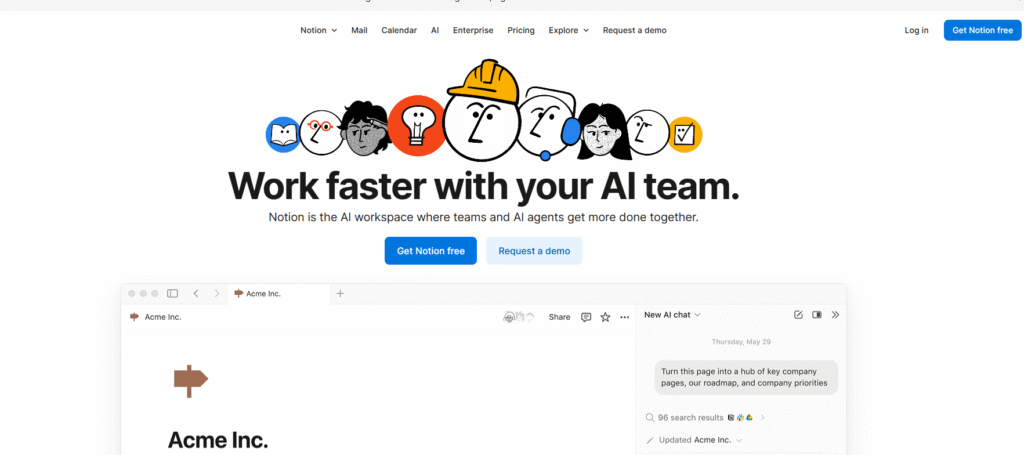
If there’s one app that has completely reshaped how individuals and teams organize their work, it’s Notion. Over the past few years, Notion has gone from a niche note-taking tool to one of the best productivity apps 2025 an all-in-one workspace that combines planning, writing, project management, databases, and collaboration in a single, beautifully designed platform.
Why Notion Stands Out
Notion’s biggest strength is its flexibility. You can use it as:
- A personal task manager
- A team collaboration space
- A knowledge base
- A content planner
- A database for tracking any kind of information
Unlike traditional tools that force you into predefined templates, Notion lets you build your own systems from scratch. Or, if you prefer speed, you can choose from hundreds of free templates made by the community everything from weekly planners to content calendars.
Mobile Productivity on the Go
Notion’s mobile app has significantly improved, making it one of the most versatile mobile productivity tools available. You can edit databases, update your dashboards, and collaborate with teammates even when you’re away from your desk. Offline mode ensures your productivity doesn’t stop when your Wi-Fi does.
Pro Tip
Set up a single “Command Center” page with links to your tasks, notes, calendars, and project boards. This eliminates the need to switch between multiple apps, saving you up to 30–40% of your daily task-switching time.
Todoist Simplify Your Daily Task Management
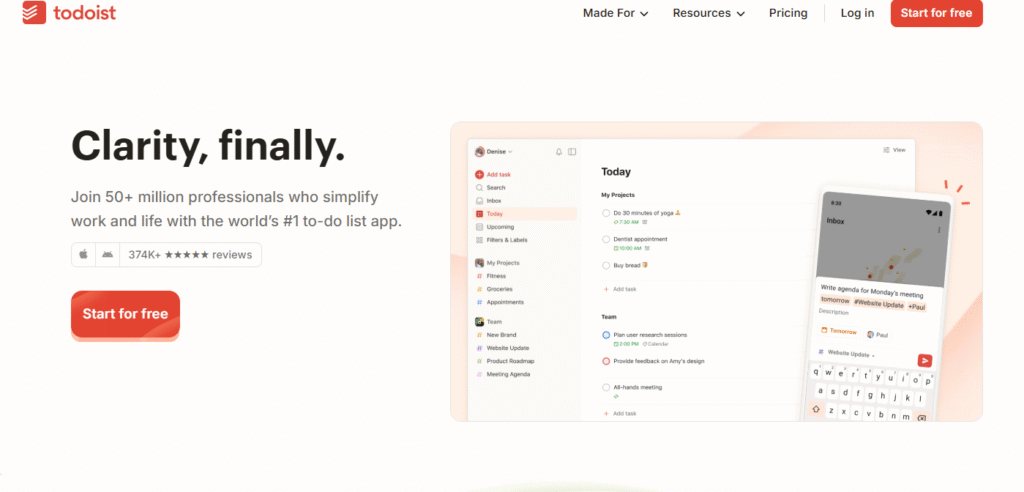
When it comes to free task apps, Todoist remains a top favorite for millions of users worldwide. Its interface is clean, intuitive, and incredibly easy to adopt whether you’re managing your personal to-do list or coordinating team projects.
Key Features
Smart Task Input: Type “Meeting tomorrow at 2pm” and Todoist will automatically schedule it for you.
Hierarchical Structure: You can organize tasks into projects, sections, and subtasks, keeping even complex workflows neat.
Priority Levels & Labels: Highlight urgent tasks and filter by context (e.g., @work, @home).
Cross-Platform Sync: Access your tasks seamlessly on desktop, mobile, and web.
Why It Works
Todoist helps you focus on what truly matters by reducing the friction between idea and action. Adding tasks takes seconds, and smart scheduling features prevent you from feeling overwhelmed.
The mobile app is lightweight yet powerful, making it one of the best mobile productivity tools for on-the-go task management. It’s perfect for freelancers, entrepreneurs, students, and anyone who values simplicity with power.
Pro Tip
Use the “Top 3 Priority” system: mark only three tasks as Priority 1 each day. This keeps your focus sharp and ensures that you end the day with meaningful wins.
Trello Visual Project Management Made Simple
If you’re a visual thinker, Trello will likely become your new best friend. Based on the Kanban methodology, Trello uses boards, lists, and cards to turn complex projects into easy-to-understand workflows.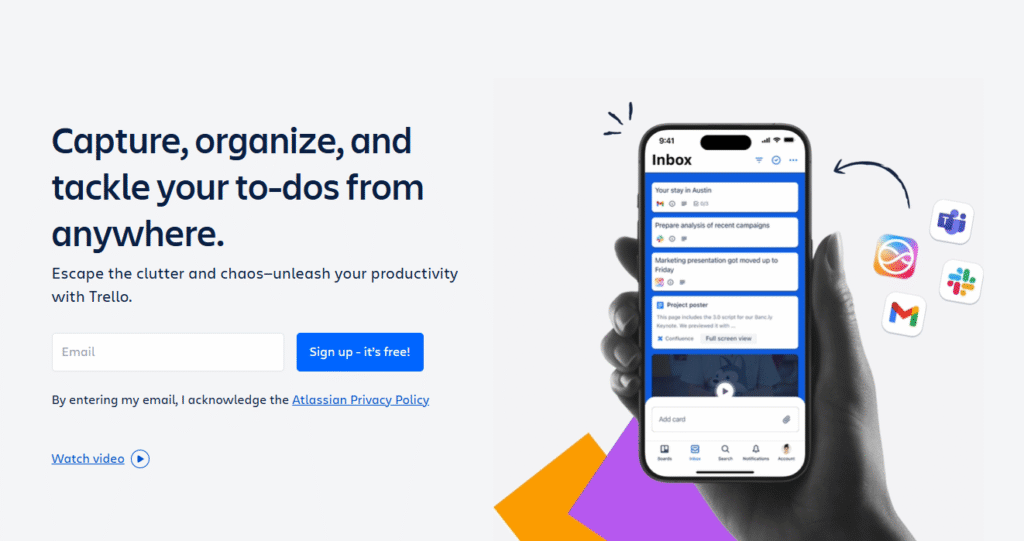
Trello has consistently ranked among the best productivity apps 2025 because of its simplicity and versatility. Whether you’re planning a product launch, managing a remote team, or organizing your personal goals, Trello gives you a clear visual roadmap.
How Trello Works
- Boards represent projects or teams.
- Lists represent stages (e.g., To Do, Doing, Done).
- Cards represent individual tasks or ideas.
- You simply drag and drop cards as tasks progress. The satisfaction of moving a card to the “Done” column is unmatched.
Collaboration and Mobile Access
Trello shines in team environments. You can assign cards to teammates, leave comments, attach files, set deadlines, and even integrate with tools like Slack or Google Drive. Its mobile app allows you to keep your project workflow updated from anywhere, making it a must-have in the mobile productivity tools category.
Pro Tip
Activate Trello’s built-in automation tool, Butler, to automate repetitive actions like moving cards, setting due dates, or assigning tasks. This can save teams several hours a week.
Clockify Track Your Time to Optimize It
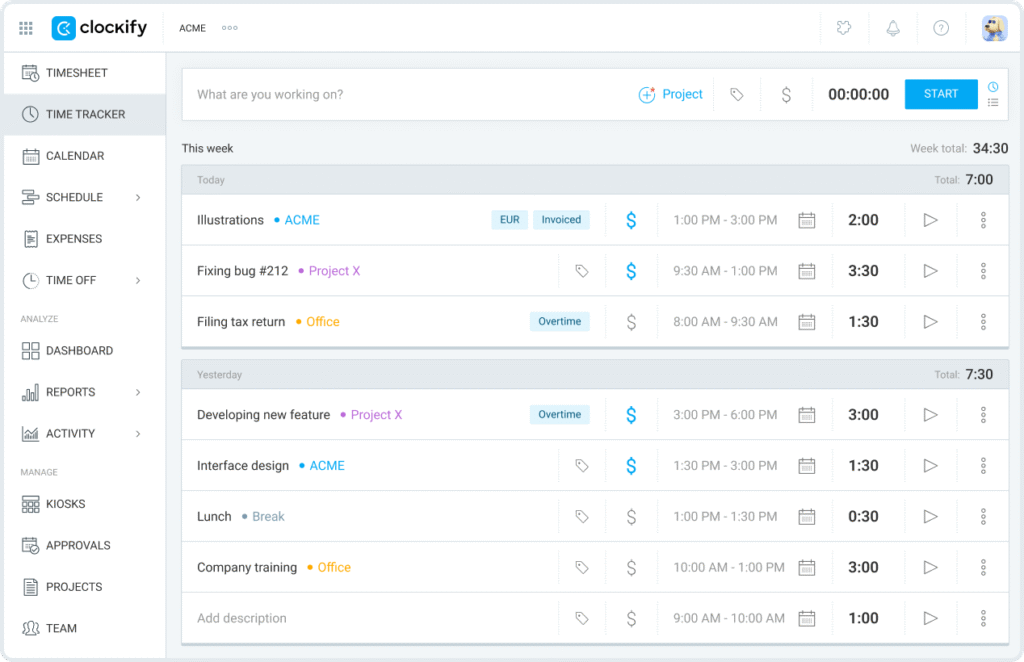
You can’t improve what you don’t measure and that’s where Clockify comes in. This free time-tracking tool gives you a clear picture of where your hours are actually going.
Why Time Tracking Matters
Most people underestimate how much time they spend on unimportant activities. Clockify helps you break this cycle by letting you:
Track time manually or automatically.
Categorize activities by project or client.
Generate detailed reports that highlight time sinks.
Whether you’re a freelancer billing clients or simply trying to improve your personal productivity, Clockify is a game changer.
Mobile Productivity Benefits
Clockify’s mobile app ensures you can log time wherever you are. Whether you’re commuting, working from a café, or attending meetings, every minute can be accounted for. This makes it one of the most useful free productivity apps for professionals who want data-driven insights into their work habits.
Pro Tip
Review your weekly reports every Friday. Identify low-value tasks that consume too much time, and adjust your schedule accordingly.
Forest Beat Distractions and Stay Focused
In a world full of constant notifications, staying focused is harder than ever. Forest tackles this problem in a refreshingly creative way by turning focus into a game.
App Store: https://apps.apple.com/us/app/forest-focus-for-productivity/id866450515
Google Play: https://play.google.com/store/apps/details?id=cc.forestapp
When you want to concentrate, you plant a virtual seed in Forest. As you stay off your phone, the seed grows into a tree. But if you give in to temptation and leave the app, your tree withers. Over time, you build a beautiful digital forest representing your focused work sessions.
Why Forest Works
This app uses positive reinforcement and a visual reward system to help you resist distractions. It’s particularly effective for students, remote workers, or anyone who struggles with staying away from social media during work sessions.
Mobile Focus Tool
Forest is designed primarily for mobile, making it one of the most unique mobile productivity tools available. Instead of fighting your phone addiction with willpower alone, Forest gamifies the process which makes it surprisingly addictive in a good way.
Pro Tip
Try using Forest in 45-minute focus intervals followed by 10-minute breaks (Pomodoro Technique). After just a few sessions, you’ll notice a dramatic improvement in your ability to stay on task.
Evernote The Ultimate Digital Notebook
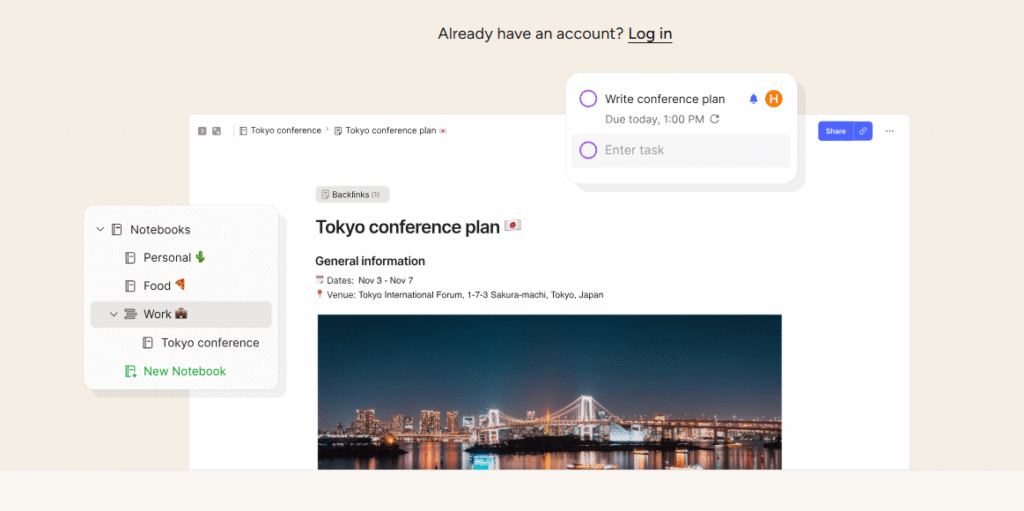
Evernote has been a staple in the productivity world for years, and in 2025, it continues to evolve. It’s no longer just a note-taking app; it’s a complete information management platform.
What Makes Evernote Powerful
Web Clipper: Save articles, screenshots, and webpages directly to your notebooks.
Handwriting Recognition: Scan handwritten notes and make them searchable.
Tagging and Notebooks: Keep your information neatly organized and easy to retrieve.
Cross-Device Sync: Your notes are instantly available on desktop, tablet, and mobile.
Whether you’re a researcher collecting sources, a writer drafting ideas, or a professional storing meeting notes, Evernote remains one of the most indispensable free productivity apps.
Pro Tip
Create a “Knowledge Vault” notebook where you store all ideas, references, and learnings. Over time, this becomes an invaluable personal knowledge base you can draw from again and again.
Google Calendar The Backbone of Time Management
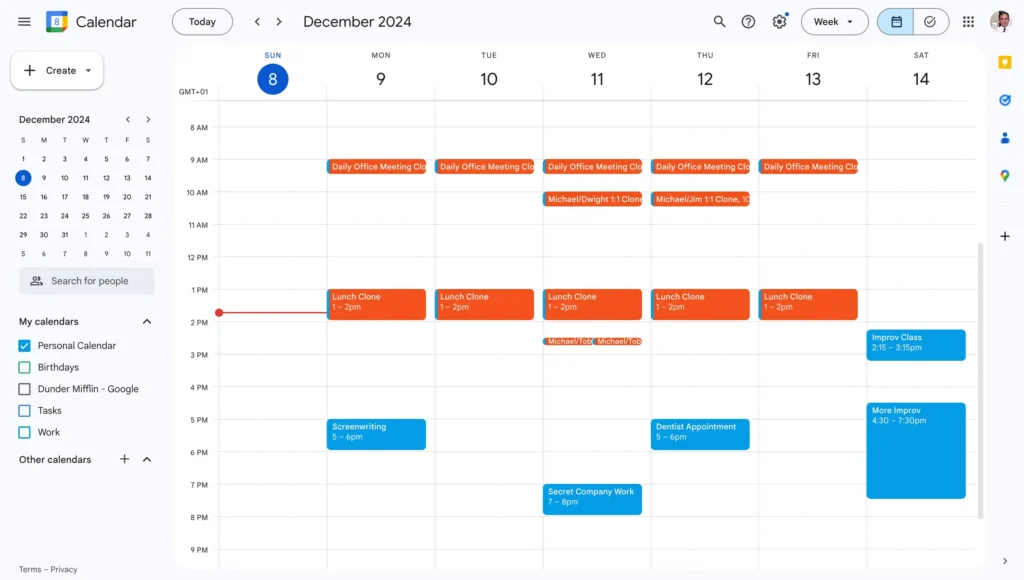
No productivity system is complete without a reliable calendar. Google Calendar is still one of the simplest yet most powerful ways to structure your time effectively.
Why Google Calendar Matters
Schedule events, reminders, and recurring tasks effortlessly.
Use color coding to separate work, personal, and family activities.
Integrate seamlessly with tools like Notion, Todoist, Trello, and Zoom.
Access everything on desktop and mobile.
Google Calendar isn’t flashy, but it’s the backbone that keeps your entire system running smoothly. By laying out your week clearly, you reduce mental clutter and ensure you allocate time to what truly matters.
Pro Tip
Do a 15-minute “Weekly Planning Session” every Sunday evening. Schedule your deep work sessions, meetings, and personal activities in advance. This one habit alone can boost your productivity dramatically.
Bonus: Combine Apps Strategically for Maximum Impact
While each of these apps is powerful on its own, the real magic happens when you combine them strategically:
- Notion + Todoist: High-level planning meets daily task execution.
- Trello + Clockify: Visual project management with time-tracking insights.
- Forest + Google Calendar: Focus sessions scheduled and protected on your calendar.
By creating your own stack of free productivity apps, you can build a fully customized productivity system without spending a single cent.
2025 is the perfect time to upgrade the way you work. With these free productivity apps, you don’t need expensive software or complex systems to stay organized and efficient. You just need the right tools and the discipline to use them consistently.
Here’s a quick recap:
- Notion: Build a personalized productivity hub.
- Todoist: Simplify and prioritize your daily tasks.
- Trello: Visualize projects for clarity.
- Clockify: Understand and optimize your time.
- Forest: Stay focused and beat distractions.
- Evernote: Organize your knowledge effectively.
- Google Calendar: Structure your time wisely.
By integrating even a few of these tools into your daily routine, you can save several hours every week, reduce stress, and achieve your goals faster. Remember: productivity isn’t about doing more it’s about doing what matters, efficiently.