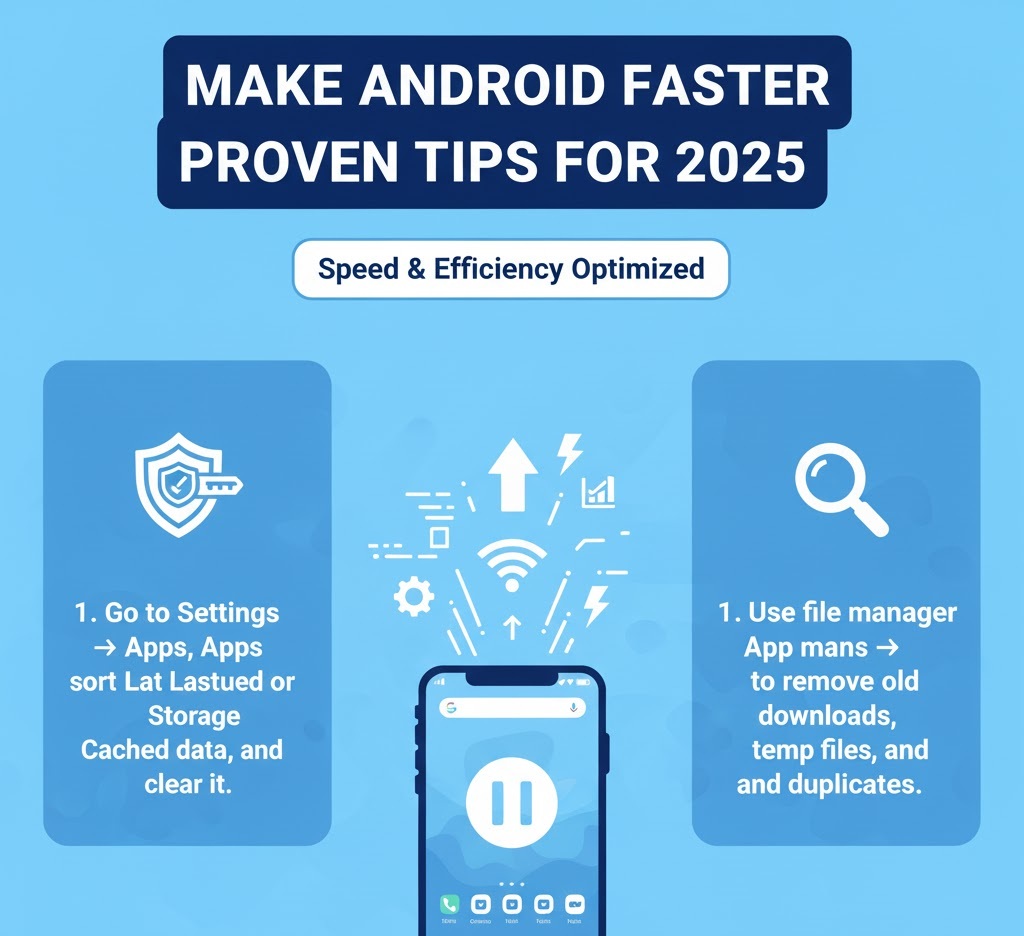
Over time, even the best Android phones can start to feel sluggish. Apps take longer to open, scrolling becomes choppy, and your once-smooth device suddenly seems to lag at every turn. If you’ve ever wondered how to speed up your Android phone without downloading a single extra app, you’re in the right place.
In this comprehensive guide, we’ll cover practical methods to make Android faster, optimize phone performance, and clean Android storage, all using the built-in features that are already part of your device. Whether you’re using an older model or a brand-new flagship, these steps will help restore that snappy feeling.
Restart Your Phone Regularly
It may sound simple, but one of the most effective ways to speed up Android phone performance is to restart it periodically. Many users keep their phones on for weeks at a time without rebooting. Over days, temporary files, cached data, and background processes can accumulate, slowing the device down.

Why Restarting Helps:
– Clears temporary system files
– Stops background processes
– Resets system services
Try restarting your phone once every few days to keep things running smoothly.
Update Your Software and Apps
Keeping your system software and installed apps up to date is critical if you want to optimize phone performance. Android updates often include bug fixes, performance improvements, and security patches that directly impact speed and stability.
How to Update:
1. System Updates
2. App Updates via Play Store
Developers constantly refine their apps to use fewer resources, so keeping them updated ensures better performance overall.
Speed Up Your Android Phone, Clean Up Android Storage
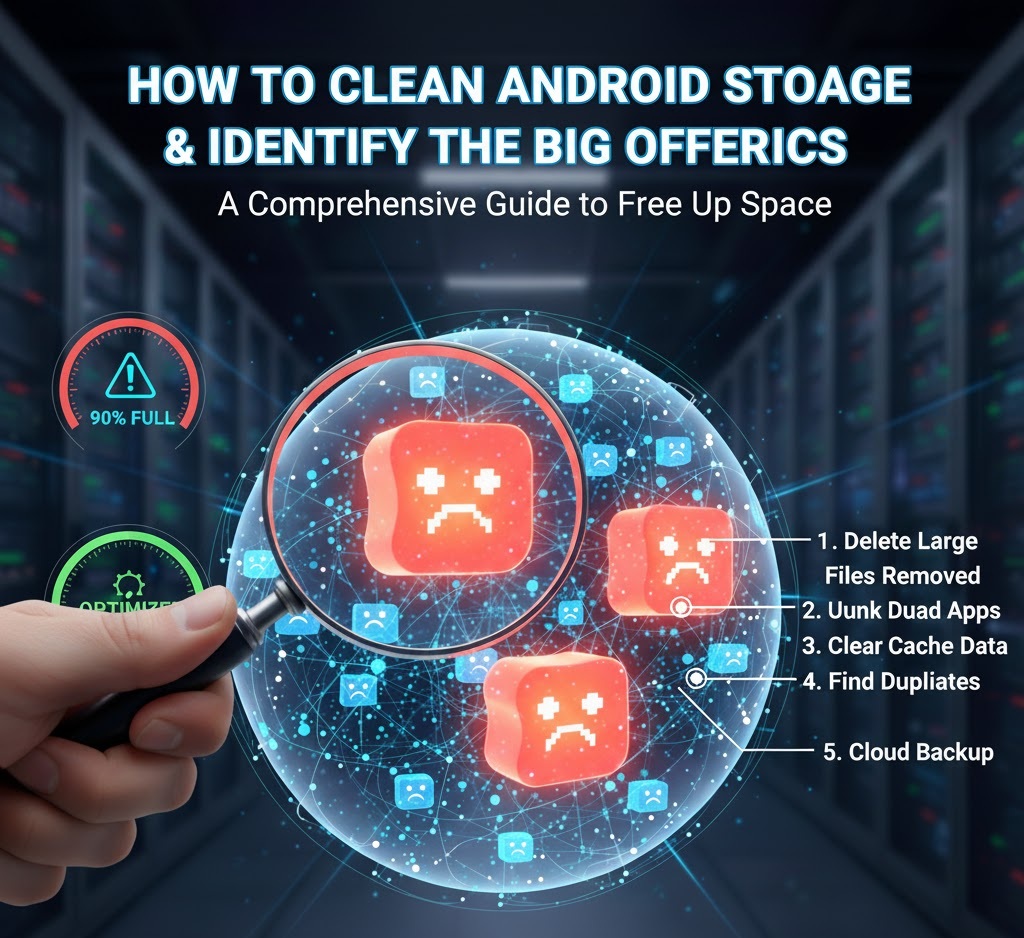
One of the most common reasons for slowdowns is cluttered storage. Android devices slow down dramatically when internal storage gets close to full. To clean Android storage, you can use the built-in tools to delete junk files, cached data, and unnecessary downloads.
Steps to Clean Storage:
– Use the built-in “Files” app
– Delete old downloads
– Clear app caches
Keeping at least 10–20% of your internal storage free can significantly make Android faster.
Uninstall or Disable Unused Apps
Most of us download apps that we use once and then forget. These unused apps sit quietly in the background, consuming storage, sometimes even running background services that slow down your device.
Removing or disabling unused apps not only optimizes phone performance but also improves battery life and frees up storage space.
Reduce or Turn Off Animations
Android’s smooth transitions and animations look great, but they use processing power. By reducing or turning them off, your phone will feel instantly faster because menus and apps open without delay.
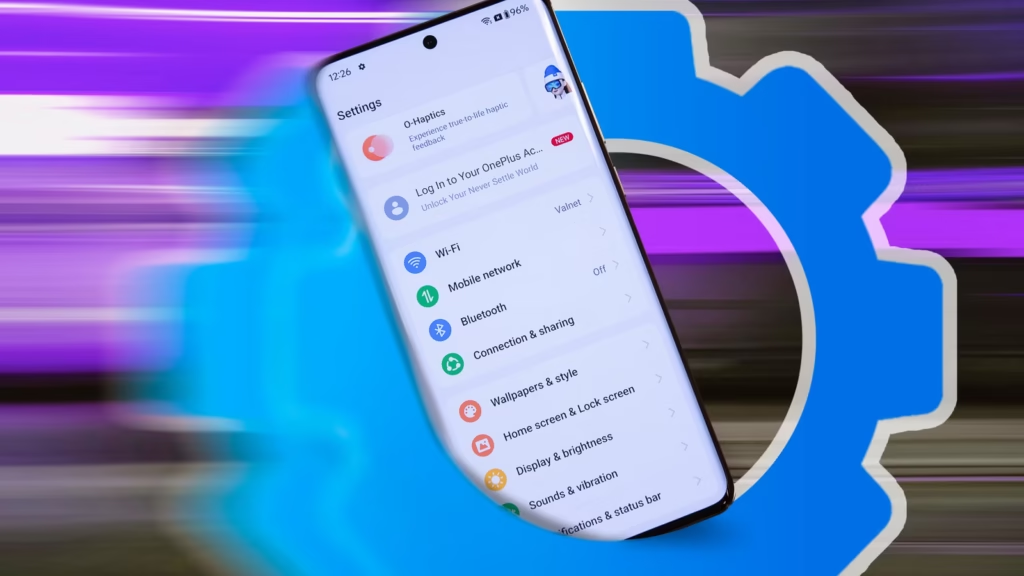
Enable Developer Options and adjust Window, Transition, and Animator duration scales to 0.5x or Off.
Limit Background Processes
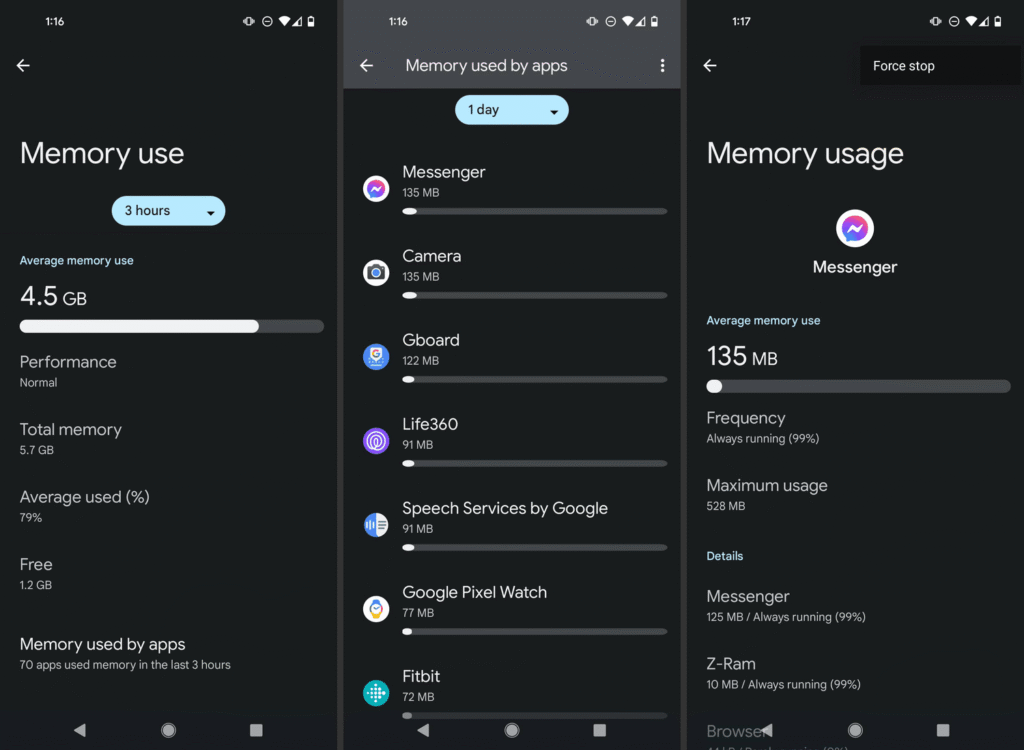
Many apps continue to run in the background even when you’re not actively using them. This eats up RAM and CPU cycles. Limiting background activity can speed up Android phone performance noticeably.
Restrict background activity via Settings or Developer Options to reduce background processes.
Use Lite Versions of Apps
If your device is older or has limited RAM, using lighter versions of popular apps can dramatically improve performance. Many major apps have “Lite” versions designed to use fewer resources.
Switching to these versions helps reduce memory consumption, improves loading times, and can make Android faster overall.
Remove or Simplify Widgets and Live Wallpapers
Widgets and live wallpapers constantly consume CPU, GPU, and battery. Reducing them can give your phone an immediate performance boost.
Replace live wallpapers with static backgrounds and remove unnecessary widgets from your home screen.
Check for Malware or Resource-Hungry Apps
Android devices sometimes get bogged down by hidden processes or malicious apps. Some apps abuse permissions or keep the CPU awake unnecessarily.
Use Battery and Data usage sections to spot suspicious apps and remove them.
Keep Your Home Screen Clean
The home screen is where performance differences are most visible. Overcrowding it with shortcuts, folders, and widgets can slow things down, especially on devices with custom launchers.
Limit the number of pages, organize apps logically, and use a simple launcher if needed.
Turn Off or Reduce Auto-Sync
Auto-sync keeps your accounts updated in real time, but constant syncing across multiple apps can affect performance.
Consider adjusting sync frequency or turning it off for non-essential apps to optimize phone performance.
Factory Reset as a Last Resort
If your phone still feels slow after applying all the steps above, a factory reset might be the ultimate solution. Over months or years, system junk, misconfigured apps, and leftover files accumulate. A clean slate can make your phone feel brand new.
Back up data first, then use Settings → System → Reset Options → Erase all data.
Bonus: Ongoing Maintenance Tips
Speeding up your Android phone isn’t just a one-time task it’s about good habits.
– Restart your phone regularly
– Keep apps and the system updated
– Regularly clean out downloads and caches
– Periodically review background activity
– Avoid installing unnecessary apps
– Keep storage usage below 80%
You don’t need fancy tools or complicated tricks to speed up your Android phone. Most of the performance gains come from using built-in features wisely, staying organized, and adopting a few smart habits.
By following the steps above cleaning storage, managing background activity, reducing animations, and keeping your system updated you can make Android faster, optimize phone performance, and enjoy a smooth, responsive device again.
Check out, How to Recover Deleted Photos on Android and iPhone (2025 Guide)